The best free PDF redaction tools, compared
A redaction tool has one job: remove the text, not cover it. Here is what each free option does, where your file goes and what the free plan allows, from each tool's own website, checked on 30 October 2026, and for iLovePDF and Smallpdf from our own test on 31 October 2026.
Sumi is our tool, so it is listed with its limits like the others. Each claim about another tool links to the page it comes from; "in our test" means we tried it ourselves.
At a glance
| Tool | Price | Where your file goes | Text under the black |
|---|---|---|---|
| Sumi | Free up to 10 pages per document; Pro €5 a month | Stays in your browser, works offline once loaded | Removed: every page is rebuilt as an image |
| PDF24 online | Free, no sign-up, no limits | Uploaded to its servers in Germany, deleted after one hour | Removed: redacted pages are turned into images |
| PDF24 Creator | Free | Stays on your PC (Windows only) | Removed, same tool offline |
| iLovePDF | Free on the web; AI "Smart" redaction needs credits | Stayed in the browser in our test; needs a connection | Removed, according to iLovePDF |
| Smallpdf | Free with usage limits; unlimited with Pro | Stayed in the browser in our test, though its FAQ says "secure servers"; needs a connection | Removed, according to Smallpdf |
| Preview (Mac) | Free, built into macOS | Stays on your Mac | Permanent once the document is closed, according to Apple |
| LibreOffice | Free and open source | Stays on your computer | Pixels in the exported PDF; for documents you edit in LibreOffice |
| Adobe Acrobat Pro | 7-day trial, then paid | Desktop app | "Permanently redact", according to Adobe |
Which one to pick
- The file must not leave your computer, and you use Windows: PDF24 Creator.
- The file must not leave your computer, and you use a Mac: Preview, for a few lines of text.
- Any device, phones included, or you want the personal data found for you: Sumi. It flags emails, phone numbers, IBANs, card and account numbers, addresses and ID numbers, finds names with an optional AI download, and reads scans, all in the browser.
- Long documents, and uploading is acceptable: PDF24 online has no page limit; Sumi's free plan stops at 10 pages per document.
- You still have the Word or LibreOffice file: redact it in LibreOffice before you make the PDF.
How Sumi does it, in under a minute and a half:
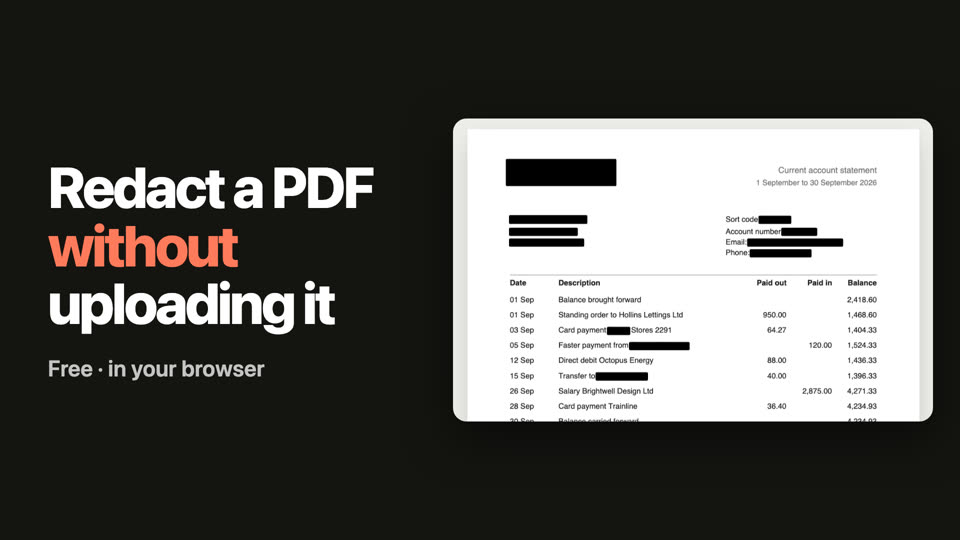 How to redact a PDF without uploading itWatch on YouTube · 1 min 21 s
Not redaction: whiteout and black boxes
Some editors offer a "whiteout", or let you draw a black rectangle. That covers the text without removing it. Sejda says so plainly about its own Whiteout tool: it "hides but will not completely remove underlying text or images. Not suitable for redacting sensitive data" (Sejda). The same goes for black highlighting, and for shapes drawn with Acrobat Reader's comment tools.
Always check the result
Whatever the tool, open the redacted file and try to select the text under a black box. Or drop it into Sumi's redaction checker, which flags text still hidden under flat colour, redaction marks that were never applied, and leftover metadata. It runs in your browser too.
Questions
What is the best free PDF redaction tool?
It depends where the file may go. Offline: PDF24 Creator on Windows, Preview on a Mac. In any browser, with personal data found for you and working offline once loaded: Sumi, free up to 10 pages per document. Online with no page limit: PDF24.
Is there a free redaction tool that works offline?
Yes: PDF24 Creator on Windows, Preview on a Mac, and LibreOffice for documents you edit in it. Sumi also works offline once the page has loaded, in any modern browser.
Can I redact a PDF on my phone?
Yes, in the browser: Sumi works on iPhone and Android without installing an app, and the file stays on the phone.
Is black highlighting the same as redacting?
No. A black highlight or rectangle is drawn on top: the text is still in the file and can be copied out. Redaction removes it.